IDP Software Directory
Compare 315+ intelligent document processing vendors side-by-side. Enterprise platforms, cloud APIs, open-source tools, and vertical specialists with standardized profiles, head-to-head comparisons, and independent evaluations.
Mapping a Fragmented Market

Market Fragmentation
GenAI is compressing the gap between enterprise platforms and specialists. Legacy vendors retrofit LLMs while new entrants build GenAI-native. Generalizations about "IDP capabilities" mask significant specialization.

Deployment Complexity
Cloud-native SaaS, air-gapped on-premise, and hybrid deployments each have different implications for data sovereignty, latency, and compliance. The right choice depends on your constraints.

Analyst Blind Spots
Gartner, IDC, and Everest Group cover vendors with marketing budgets. This directory documents the full market spectrum, including the 200+ providers that analyst firms miss.
What Is IDP Software?
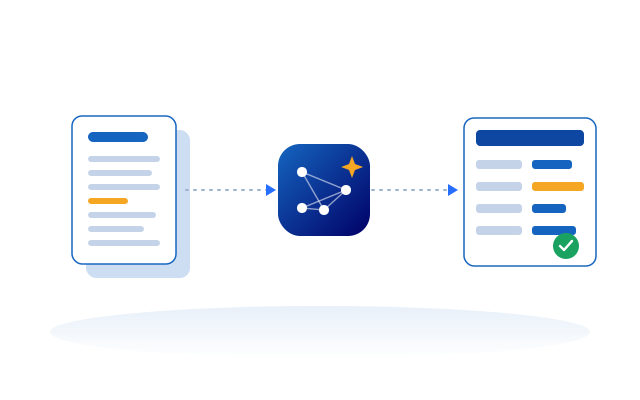
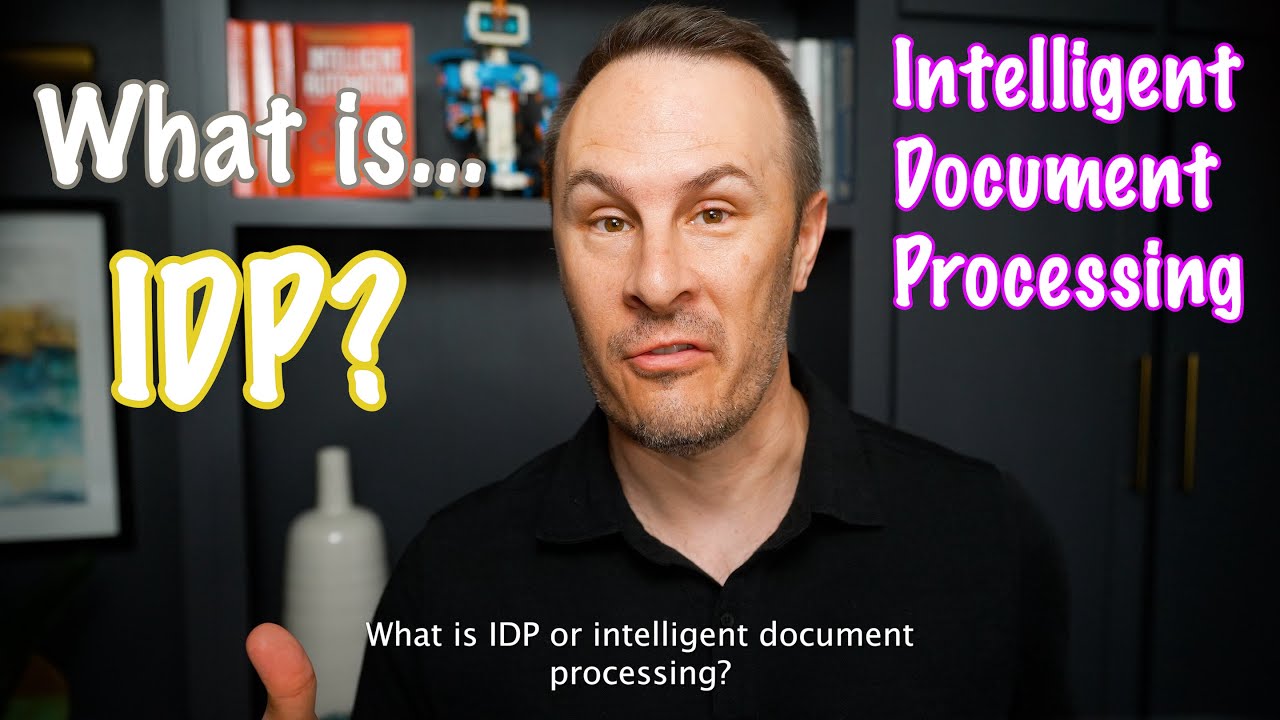
IDP software (intelligent document processing) refers to AI-powered systems that automate the extraction, classification, and validation of data from documents. IDP solutions combine computer vision (OCR), natural language processing (NLP), and machine learning to transform unstructured or semi-structured content into structured, actionable business data. Modern platforms integrate document ingestion, pre-processing, classification, extraction, validation, and integration interfaces for downstream systems like ERP, CRM, and RPA.
Key Differentiators
- Training: zero-shot, few-shot, or supervised learning
- Accuracy: straight-through rates vary by document complexity
- Human-in-the-loop: exception handling and validation workflows
- Continuous learning: auto-improvement vs. manual retraining
 Click to load video from YouTube
How does Gartner define IDP?
IDP solutions are specialized data integration tools enabling automated extraction of data from multiple formats and varying layouts of document content. Source
How does IBM define IDP?
Intelligent document processing is designed to extract business critical data, enabling better, faster decision-making and driving business performance. Source
How does Amazon AWS define IDP?
IDP is automating the process of manual data entry from paper-based documents or document images to integrate with other digital business processes. Source
How does Microsoft define IDP?
IDP is a software solution that captures, transforms, and processes data from documents. Using AI technologies such as computer vision, OCR, NLP, and machine/deep learning, the extracted data can be analyzed, categorized, transformed, and exported to external systems. Source
How does Wikipedia define IDP?
A technology called automatic document processing or sometimes intelligent document processing emerged as a specific form of Intelligent Process Automation, combining AI such as ML, NLP or ICR to extract data from several types of documents. Source
Featured Guides
OCR vs LLMs
When to use traditional OCR versus LLM-based extraction, comparing accuracy, cost, and latency trade-offs.
Read more →
Open-Source OCR Engines
Tesseract, PaddleOCR, EasyOCR, and other open-source options compared for production use.
Read more →
PDF Table Extraction
Tools and techniques for extracting structured tables from PDFs, from Camelot to LLM-based approaches.
Read more →
Document Processing for RAG
Building production-ready document pipelines for retrieval-augmented generation.
Read more →
Python PDF Libraries
pypdf, PyMuPDF, pdfplumber, and other Python libraries compared for document processing tasks.
Read more →
Document AI with LLMs
Implementing LLM-powered document AI, from zero-shot extraction to fine-tuned models.
Read more →
Vendor Evaluation Guide
RFP frameworks, POC testing, and scoring criteria for selecting an IDP platform.
Read more →
Agentic Document Processing
How agentic AI transforms document processing from static extraction to autonomous workflows.
Read more →
Pipeline Architecture
Microservices, queues, and orchestration patterns for document processing at scale.
Read more →
Cloud OCR API Comparison
Google Cloud Vision, AWS Textract, Azure AI Document Intelligence, and other cloud OCR services compared.
Read more →
Human-in-the-Loop
Confidence thresholds, exception queues, and validation workflows for production accuracy.
Read more →
Prompt Engineering for Extraction
Zero-shot and few-shot prompt techniques for extracting structured data from documents.
Read more →
Vendor Directory
Vendor Directory
Standardized profiles for 315+ IDP providers covering capabilities, deployment, pricing, and market positioning.
Read more →
Vendor Evaluations
Consolidated competitive analysis for 68 vendors with the broadest market footprint.
Read more →
Vendor Finder
Interactive matching tool to filter by document type, deployment, compliance, and integration needs.
Read more →
Capabilities Reference
Technical documentation of OCR, classification, extraction, NLP, and agentic processing.
Read more →
Technical Guides
100+ hands-on guides for developers covering OCR, LLMs, table extraction, and pipeline architecture.
Read more →
Methodology
Research approach, editorial standards, and contribution process.
Read more →
Looking for OCR Software?
OCR is a core capability within IDP. If you need to extract text from documents, you're in the right place. Learn more about how OCR fits into IDP or visit our sister site ocr-software.com.
How to Choose an IDP Vendor
Browse
Explore 315+ standardized profiles: capabilities, deployment, pricing, and market position, all in one consistent structure.
Compare
Put any two platforms head-to-head, or open a consolidated evaluation for the vendors with the broadest market footprint.
Shortlist
Filter by document type, deployment, compliance, and integration needs with the interactive Vendor Finder.
Help Build the Directory
This is an open, independent resource. Vendors can request a profile, practitioners can submit a signed expert opinion, and writers can pitch guides and market analysis. Every contribution is researched and verified by our team, so the directory stays neutral and useful.
Stay Connected
The independent IDP briefing, monthly. New and updated vendor profiles, major product releases, and the market moves that matter: acquisitions, funding, and repositioning, with zero vendor spin.
- New and refreshed vendor profiles
- Benchmark and accuracy updates
- Funding, M&A, and market repositioning